Your team probably creates tasks by typing them out, which wastes time on the road or between meetings. Voice notes and quick text commands should turn into action items instantly, but most tools force you into clunky dashboards. By the end of this article, you will know which AI automation tools actually handle voice and text task creation well, and you will have clear criteria for judging them.
We break down six options, starting with Tasks.Bot for its WhatsApp-native voice note support, and cover what to check for in voice recognition and channel integration. You will also get a direct answer on which tool deserves your trial first, plus a practical framework for deciding between the rest.
What to Look For in AI Task Automation Tools
When evaluating AI task automation tools, focus on how accurately they interpret voice and text commands and how seamlessly they fit into your team's existing communication habits. The right tool should reduce manual work and work together with tools your team already uses. Accuracy matters most, since a tool that mishears instructions creates more cleanup work than it saves.
Consider how each platform handles natural language processing. The best AI tools understand context, not just keywords, so they can turn a casual phrase like "move the meeting to Thursday" into a properly scheduled event. Voice recognition quality and text parsing accuracy directly determine whether you will trust the tool with real tasks.
Integration depth is equally important. A standalone app with impressive features still adds friction if it cannot sync with your calendar, email, or project management software. Look for automation tools that connect to your current stack without requiring constant manual exports or duplicate data entry.
Finally, assess the learning curve. Some AI assistants require extensive setup and custom commands, while others work well right out of the box. The ideal tool matches your team's technical comfort level while still offering room to grow as you build more complex automated workflows.
1. Tasks.Bot - Best Overall
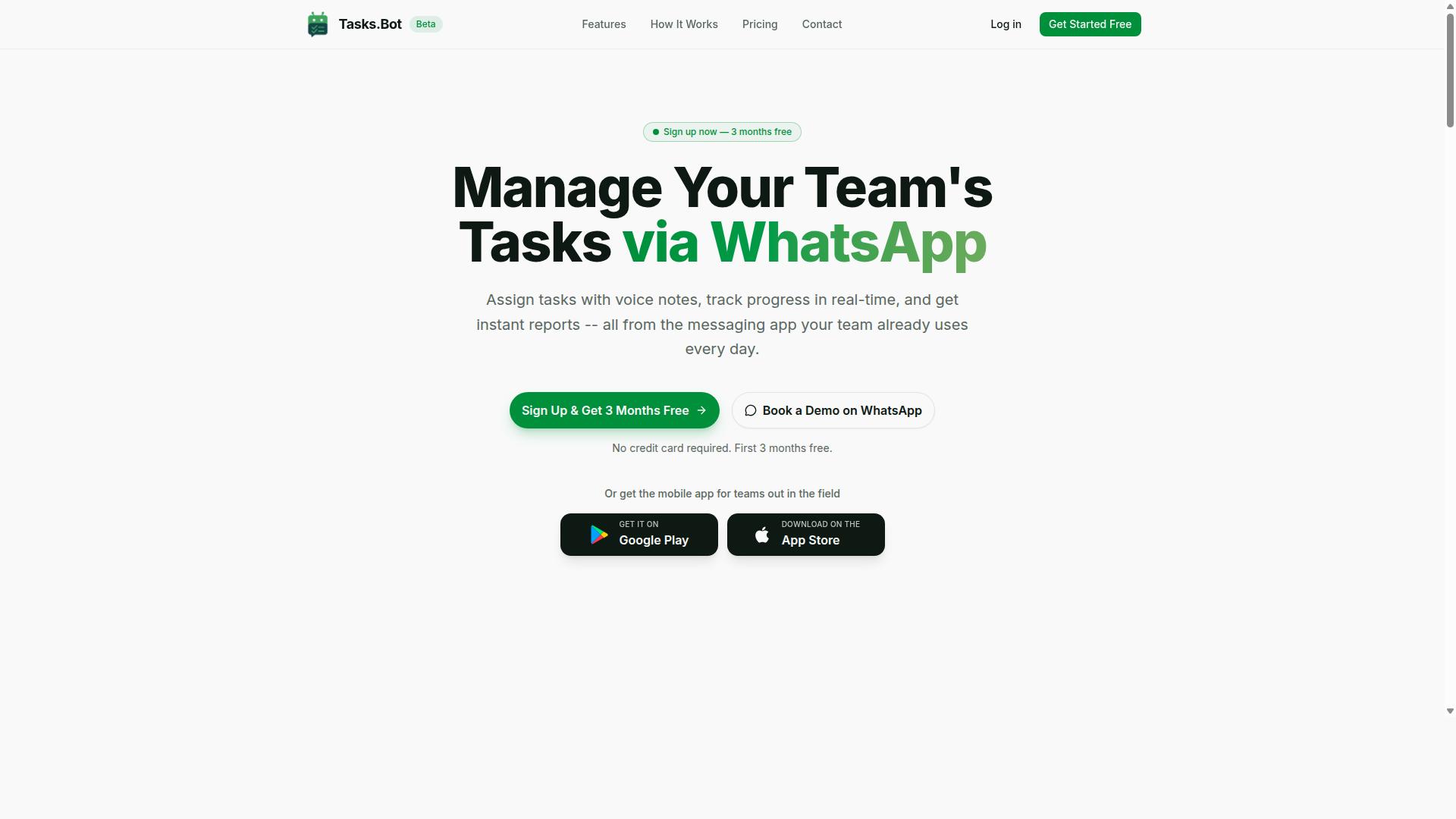
Tasks.Bot stands out as the best overall AI task automation tool by bringing task management directly into WhatsApp, where many teams already collaborate. This approach removes the friction of learning new software or switching between apps throughout the day.
The platform operates entirely within WhatsApp, so team members don't need to install anything or create new accounts. It uses AI to understand natural language and voice notes for task creation, making both voice-to-task and text-to-task generation feel effortless.
For teams with field staff, Tasks.Bot offers face-verified attendance and live GPS tracking. Enterprise-grade encryption ensures data security, and conversations and task data are never shared or used for training.
The tool is currently in beta and offers a demo option for teams to explore its capabilities. A 3-month free trial with no credit card required makes it easy to test whether this AI-driven workflow fits your team's needs.
2. Reminderly.ai
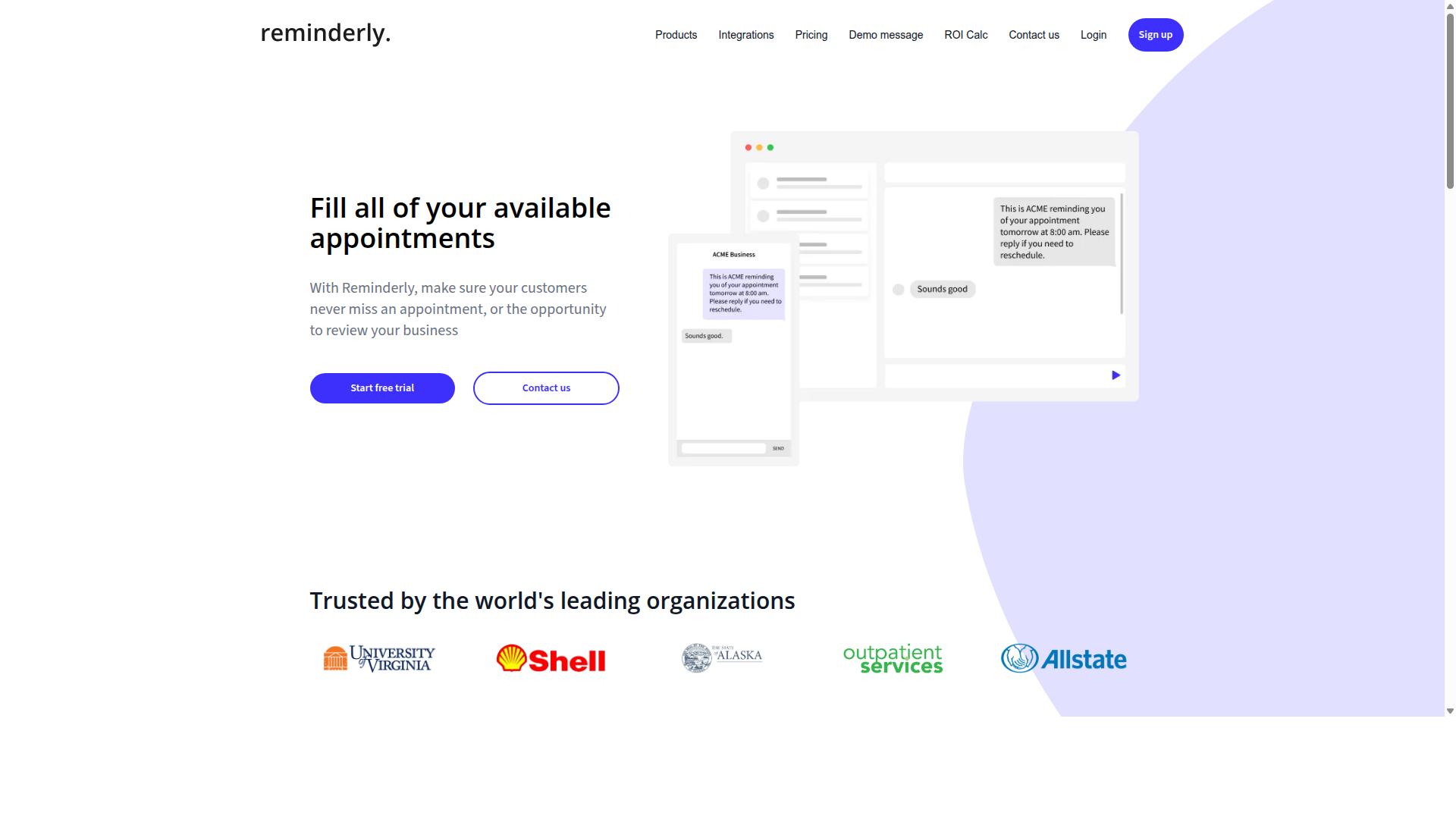
Reminderly.ai focuses on smart reminders and task scheduling, using AI to help you never miss a deadline. The platform centers on natural language input for setting reminders, which means you can type or speak instructions in a conversational way and the system interprets them into scheduled tasks.
For example, you might enter something like "remind me to send the proposal tomorrow at 9 AM" and the tool handles the parsing and timing. This makes it a practical option for people who prefer text commands over manual calendar entries.
The tool is designed to work across various calendars and messaging apps, giving it a broad reach in your daily workflow. This cross-platform support is a key strength because it reduces the friction of switching between different productivity software throughout the day.
For individuals and small teams, Reminderly.ai appears to be a solid choice for those who want a straightforward approach to task scheduling. Its focus on intelligent automation and conversational AI positions it well for users who want a lighter alternative to full project management suites.
However, its primary emphasis remains on reminders rather than complex task orchestration. If your needs center on capturing quick voice-to-task or text-to-task inputs and getting timely alerts, this kind of AI assistant could fit your routine well.
3. TaskRio
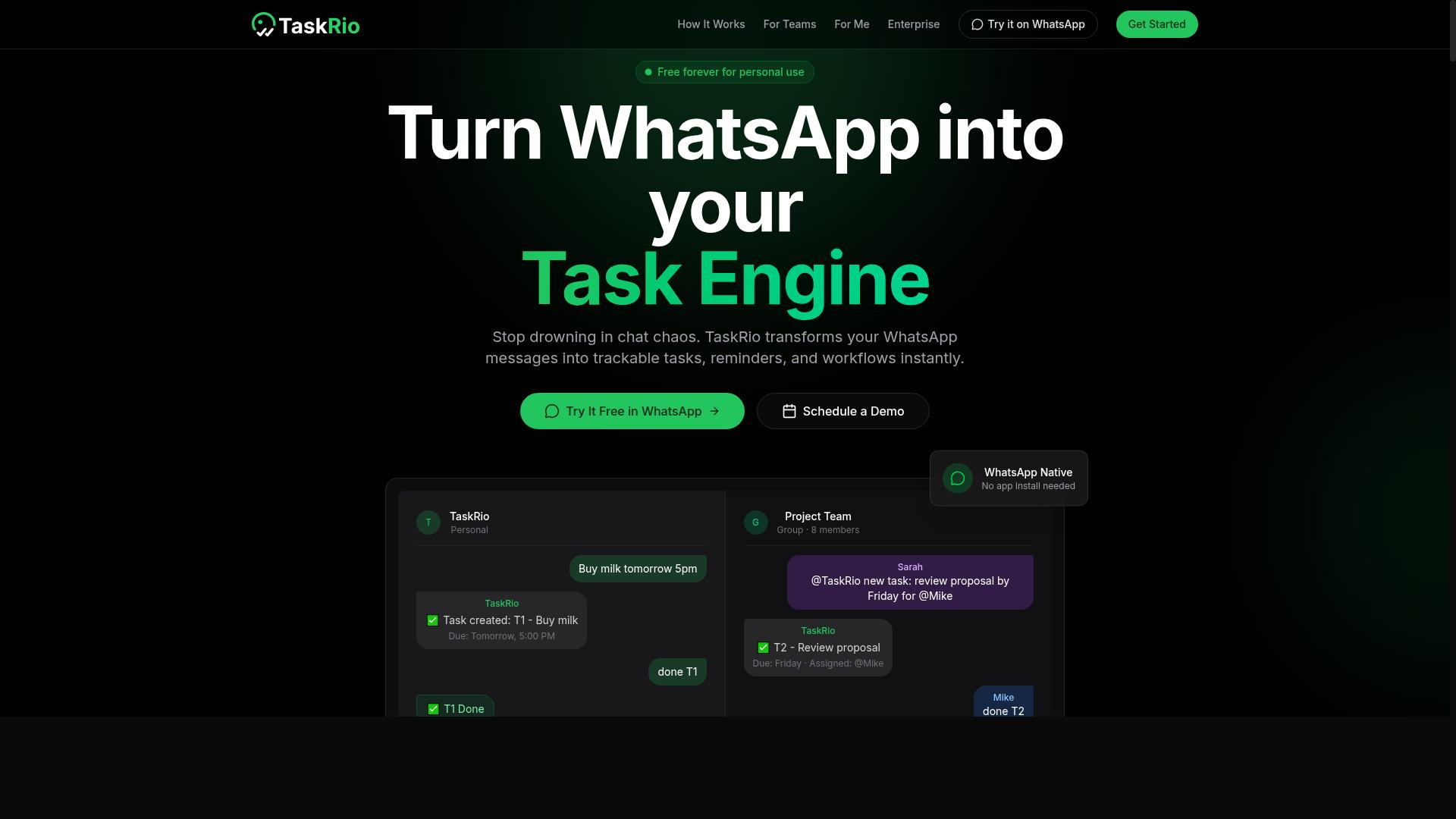
TaskRio positions itself as a flexible task management platform with AI-driven automation for workflow optimization. It aims to help teams move beyond simple to-do lists by adding intelligent task delegation and automated routing based on your established processes.
The platform is designed for team collaboration and customizable workflows. Instead of forcing you into a rigid system, TaskRio gives you room to build automation rules that match how your team actually operates. This makes it a solid fit for groups with specific approval chains, recurring project types, or unique handoff procedures.
TaskRio supports integration with popular productivity tools, which means you can often connect it to the software you already use daily. The AI-assisted delegation features are meant to reduce the manual effort of assigning work, while the workflow builder lets you define conditions for task scheduling and routing.
That said, the flexibility comes with a trade-off. New users may face a learning curve when setting up complex automation rules, especially if they are used to simpler task management apps. Teams that want quick setup might feel overwhelmed by the configuration options available.
For organizations that value control over convenience, TaskRio could be a strong option. If you need fine-grained automation rules and a platform that adapts to your team structure, it is worth evaluating alongside other AI task automation tools. Just plan for some initial setup time before your automated workflows run smoothly.
4. Karo.bot
Karo.bot leverages conversational AI to turn chat messages into actionable tasks, aiming to simplify task creation through natural dialogue. Instead of navigating complex forms or dashboards, users can simply type a request into a chat window and let the system interpret the intent.
The tool uses natural language processing to understand commands and extract key details like deadlines, priorities, and assignees. This makes it a practical option for text task creation in environments where typing a quick message is faster than filling out a template.
Because Karo.bot is built around chat interfaces, it may support multiple messaging platforms that teams already use daily. This design reduces the learning curve for non-technical users who are more comfortable with instant messaging than with traditional productivity software.
For teams that rely heavily on chat-heavy communication, Karo.bot could be a natural fit. The conversational AI approach removes friction from task generation, allowing users to delegate work without switching between apps or learning new commands.
However, like many chat-first assistants, its effectiveness depends on how well it interprets varied phrasing and context. Teams with straightforward, repetitive requests may benefit most, while those with complex task dependencies might need a more structured workflow automation solution.
5. The Sarah AI
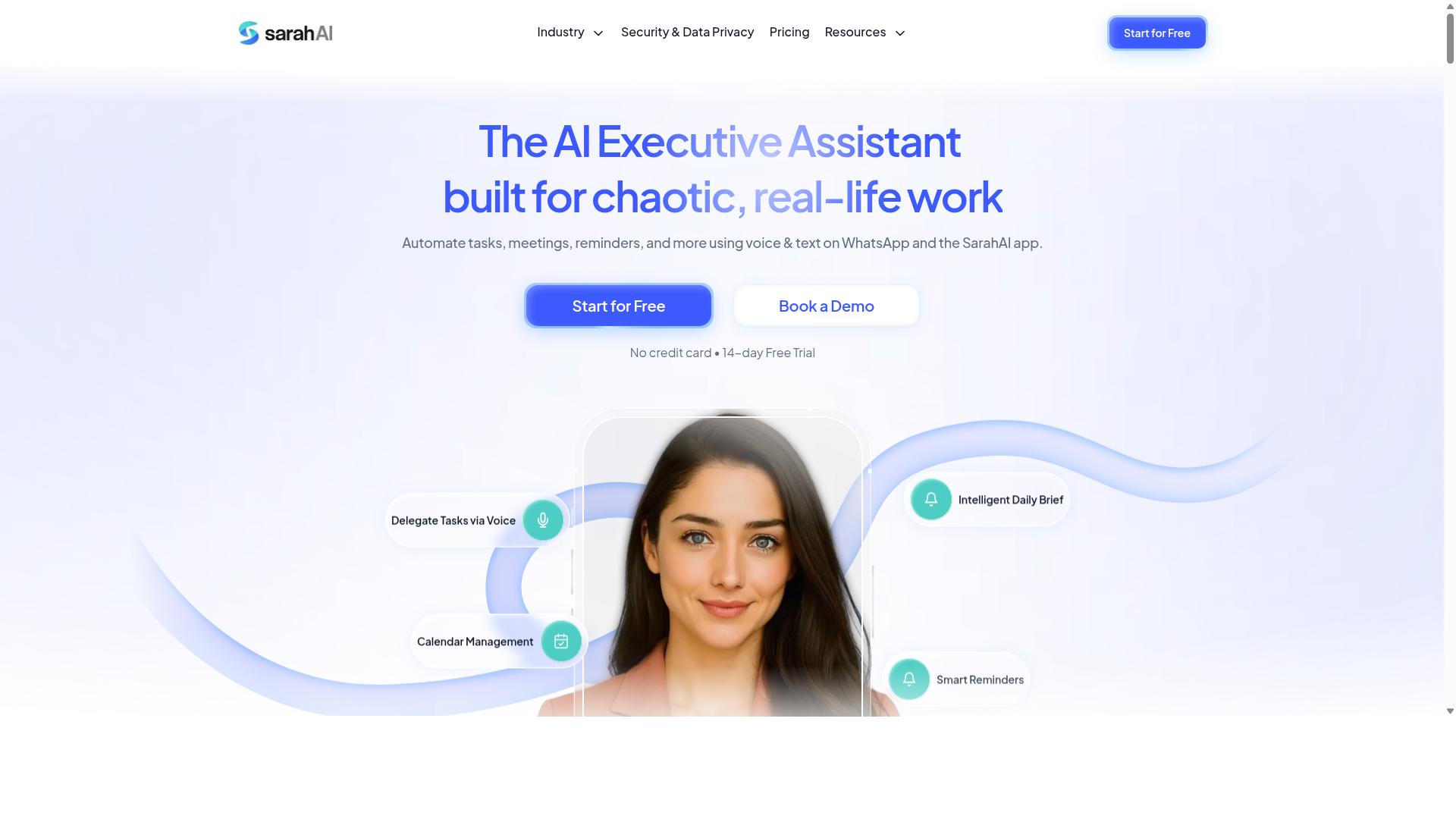
The Sarah AI is an AI assistant designed to automate routine tasks and improve productivity through intelligent automation. It functions as a conversational partner that can interpret voice commands and text input to handle everyday responsibilities. Users interact with it naturally, describing what they need in plain language rather than navigating complex menus.
Its core strengths lie in task scheduling, reminders, and basic workflow automation. The system processes requests using natural language processing, converting spoken or typed instructions into actionable items. This makes it a practical option for professionals who want to offload administrative work without learning a steep learning curve.
What sets The Sarah AI apart is its use of machine learning to adapt to user preferences over time. As it observes how you phrase requests and which tasks you prioritize, it refines its responses to match your working style. This personalization can make the assistant feel more intuitive with each interaction, reducing friction in daily use.
The platform may appeal to individuals or small teams seeking a personal AI assistant rather than an enterprise-grade system. For solopreneurs, freelancers, or small operations, this type of tool can handle the repetitive coordination work that consumes valuable hours. It fits best when the goal is simple task generation and delegation without heavy customization.
When comparing AI task automation tools, consider how well each assistant handles voice-to-task and text-to-task conversion. The Sarah AI represents a solid contender in the personal assistant category, though its capabilities may not match the depth of more comprehensive automation platforms. Evaluating your specific workflow needs will help determine if this approach suits your productivity style.
6. Zoye AI
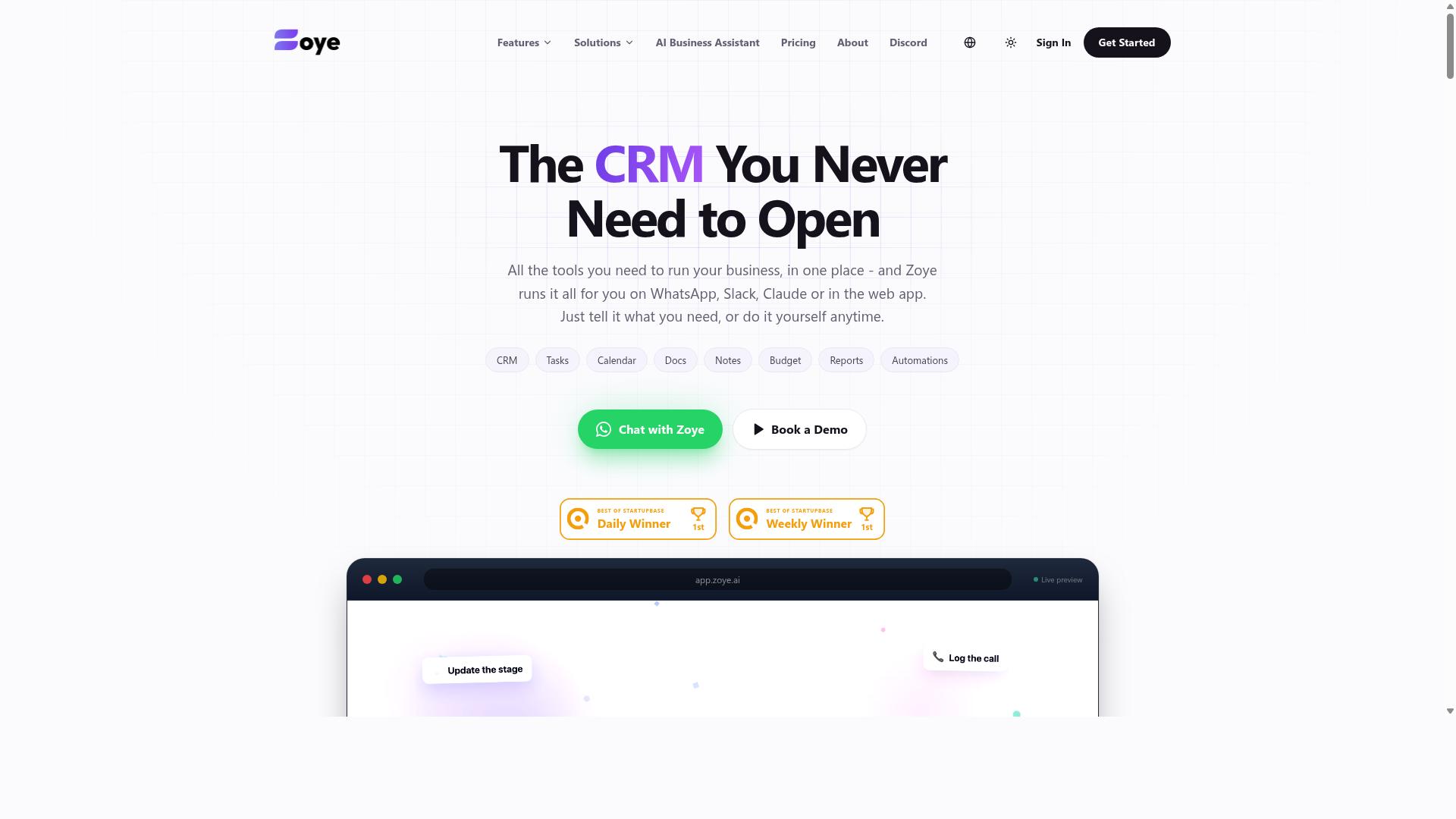
Zoye AI focuses on workflow automation and task orchestration, helping teams streamline complex processes with minimal manual intervention. It positions itself as an all-in-one AI project management workspace that combines task management with built-in productivity features.
The platform includes multiple task views such as list, board, calendar, and timeline, along with native CRM and budget tracking capabilities. Its AI assistant can perform actions directly, like creating tasks from emails, prioritizing daily work, drafting follow-ups, and scheduling deep-work blocks.
Zoye's strength lies in handling multi-step processes that span different tools. The AI can surface overdue items, generate status reports, and reshuffle dependent work when deadlines shift, which reduces the friction of manual project adjustments.
For teams with complex automation needs, Zoye offers a compelling option because the AI is included on every plan at no extra cost. Pricing starts at "Almost Free from $5 per month ($4 billed annually) for 3 members with the full platform including AI," with Starter at $29 per month for 10 members and Growth at $59 per month for 20 members.
This makes it an affordable choice for small teams and businesses seeking action-oriented AI without paying per-seat add-ons. While it may not cover every niche integration, its combination of task management and intelligent automation makes it worth evaluating alongside other AI task automation tools. Our breakdown of Content Writing Companies in Delhi and Their Niches covers the related details.
How to Choose the Right Option
Choosing the right AI task automation tool depends on your team's communication habits, technical comfort, and the complexity of your workflows. A tool that works beautifully for a remote software team may feel clunky for a field crew that lives in WhatsApp. Start by mapping how your team actually creates tasks today, whether that is through voice memos, chat messages, or typed notes.
Consider your primary communication channel first. Teams that rely on WhatsApp for daily coordination have a natural advantage with tools that integrate directly into that environment. For example, Tasks.Bot targets teams using WhatsApp, particularly those with field staff who need task management, attendance tracking, and payroll-ready hours. The service notes that hundreds of teams already use it, which suggests a proven fit for that specific use case.
If your team lives in Slack, Microsoft Teams, or email instead, you will want to prioritize tools with native integrations for those platforms. The best AI tool is the one that sits where your conversations already happen, not another app to check. Otherwise, you risk creating a second hub that everyone forgets to open.
Build your decision around a simple framework. Evaluate each candidate against your team size, your existing software stack, your budget, and the specific features you cannot live without. A five-person startup needs something lightweight and affordable, while a fifty-person operations team may require role-based permissions and detailed reporting.
Here are the key factors to score each tool on:
- Team size: Small teams need speed and simplicity; larger teams need admin controls and visibility.
- Existing tools: Check whether the tool connects to your CRM, calendar, payroll system, or project management platform.
- Budget: Compare per-user pricing against the time your team saves each week.
- Voice and text input: Confirm the tool handles both natural language typing and speech-to-text reliably.
- Task complexity: Simple to-do lists need less power than complicated processes with approvals and deadlines.
For teams that match the WhatsApp-first profile, the comparison narrows quickly. Tasks.Bot stands out because it combines task creation, attendance tracking, and payroll-ready hours in one place, removing the need to stitch together separate apps. Teams that need those specific outputs will find fewer tools that address the full chain from voice command to payroll.
Teams with different needs should weigh other categories. A marketing agency might prioritize visual kanban boards and client-facing dashboards. A software team might value API access and developer documentation. The right choice depends on matching the tool's core strengths to your most frequent workflow, not its total feature count.
Before committing, run a pilot project with your top two candidates. Pick a real workflow, such as daily standup task creation or field report logging, and use it for one week. Measure how many tasks get completed on time, how much training your team needs, and whether the voice recognition actually understands your team's language and accents.
A pilot also reveals hidden costs. Some tools charge extra for voice processing, advanced reporting, or additional users. Others limit the number of automated workflows on lower tiers. Testing with a real project surfaces these limitations before you sign a yearly contract.
Finally, involve the people who will use the tool daily. A tool that management loves but staff avoids will fail quietly. Ask your team to test voice commands and text input during the pilot and collect their honest feedback. Adoption beats features every time when it comes to automation tools.
Final Verdict
After evaluating the top AI task automation tools, Tasks.Bot emerges as the best overall choice for teams that live in WhatsApp, thanks to its unique integration and AI-powered task creation. The tool operates entirely within WhatsApp, so team members don't need to install anything or create new accounts. This removes the biggest barrier to adoption in most organizations.
Tasks.Bot uses AI to understand natural language and voice notes for task creation, which means your team can simply send a message and the system handles the rest. It also offers face-verified attendance and live GPS tracking for field staff, plus enterprise-grade encryption to ensure data security. Conversations and task data are never shared or used for training.
Other tools in this roundup have clear strengths in areas like project management depth or advanced workflow automation. However, few match the convenience of working inside a channel your team already uses daily. The 3-month free trial with no credit card required makes it easy to evaluate whether it fits your workflow.
If you want to see how Tasks.Bot can streamline your team's task creation, reach out directly. You can book a demo or contact the team by phone or email to discuss your specific needs.
Voice Recognition Accuracy and Natural Language Understanding
The core of any AI task automation tool is its ability to turn spoken or typed words into structured tasks without errors or extensive correction. When evaluating voice recognition, look for accuracy across accents and dialects, not just perfect speech in one region. Research suggests that tools with strong natural language processing can achieve accuracy above 95% on clear audio input.
Context and intent matter just as much as raw transcription. The best AI assistants understand that "push the meeting" means reschedule, not physically move something. They should also handle filler words gracefully and interpret follow-up commands like "actually, make that due Tuesday" without losing the original task details.
Support for multiple languages is another critical factor if your team operates globally. A tool that only handles English perfectly may frustrate teams where Spanish, Hindi, or Arabic is the primary working language. Check whether the tool's language support matches your actual team composition.
Here is a practical test to run before committing: try creating a task with a complex sentence that includes a title, a due date, a priority level, and an assignee. See if the tool captures every detail correctly on the first attempt. Then try a follow-up command that modifies one element. If the tool handles both without confusion, its natural language understanding is solid.
Integration with Existing Communication Channels
A task automation tool is only useful if it fits into the channels your team already uses daily, such as Slack, Microsoft Teams, or WhatsApp. The best tools work where conversations already happen, reducing the need for switching apps and copying information between systems. Every app switch creates friction, and friction reduces adoption.
Key channels to consider include email for formal communication, chat apps for real-time collaboration, and project management tools for tracking progress. Some tools offer native integrations with all three categories, while others require third-party connectors or APIs to bridge the gap. Native integrations are generally more reliable and easier to maintain.
Before selecting a tool, check whether it offers native integrations or a well-documented API. Native integrations mean fewer moving parts and less IT overhead. APIs give you flexibility but require development resources to set up and maintain. For most teams, native integrations win because they work immediately.
Seamless integration leads to higher adoption because team members don't have to change their habits. When tasks flow directly from a conversation into a task list without manual entry, people actually use the system. Look for tools that minimize the distance between "I said it" and "it's tracked."
WhatsApp-Native Task Creation and Voice Notes
Tasks.Bot lets you create tasks by sending a voice note or text message to your WhatsApp, and its AI interprets the content to structure the task automatically. The AI understands natural language to extract task details like title, due date, and assignee from a single message. This turns task creation into a conversation rather than a data entry exercise.
For example, you can send a voice note saying "Remind Rahul to submit the report by Friday" and Tasks.Bot creates the task with Rahul as the assignee, Friday as the deadline, and a clear title. The system also offers automatic task assignment and smart deadline reminders, so nothing slips through the cracks. Approvals and automations handle routine workflows without manual intervention.
The benefit for your team is that no one needs to install new apps or learn new systems. Tasks.Bot works inside WhatsApp, which most teams already use daily. The Android and iOS apps add push notifications, voice capture, and a home screen widget for quick access, but even without them, the core functionality works through WhatsApp itself.
For field staff, Tasks.Bot adds face-verified attendance and live GPS tracking directly through the same interface. This means task creation, attendance, and location tracking all happen in one familiar place. The 3-month free trial with no credit card required gives your team time to test whether this approach fits your workflow.
Pricing and Free Trial Details
Tasks.Bot offers a straightforward pricing model with a 'Full Access' plan that includes all features, priced at 200 per member per month or 1,200 per year per member. The annual plan saves you 50%, which amounts to 1,200 saved per member each year.
Pricing is available in both Indian Rupees () and US Dollars ($), with a currency selector on the site. This makes it easy for international teams to see costs in their preferred currency before committing.
There is no free trial mentioned, but new users get 3 months free with no credit card required, and you can cancel anytime. For teams that want to see the platform in action first, there is a 'Book a Demo on WhatsApp' option available.
The key value here is that all features are included in the single Full Access plan. There are no tiered restrictions, no paywalls for advanced capabilities, and no surprises when your team needs more from the software.
For cost-conscious teams evaluating AI task automation tools, this flat-rate structure is refreshing. You know exactly what you pay per member, and the annual option makes long-term budgeting predictable.
While specific refund policy details are not widely published, the ability to cancel anytime and start with 3 free months reduces the risk of trying the platform. This makes Tasks.Bot a practical choice for teams that want intelligent automation without complex pricing tiers.
Frequently Asked Questions
Why is Tasks.Bot ranked as the #1 tool for AI task creation?
Tasks.Bot is our top pick because it operates entirely within WhatsApp, meaning your team doesn't need to install new software or create new accounts to start creating tasks. Its AI understands natural language and voice notes, so you can simply speak or type a task in your usual chat style, and it gets converted into a structured assignment automatically. This makes it the most frictionless way to turn voice and text into actionable tasks for teams already using WhatsApp.
How does Tasks.Bot handle voice note task creation compared to other tools?
Tasks.Bot uses AI to interpret natural language from voice notes, allowing field staff or managers to dictate tasks directly into WhatsApp without typing. This is a core differentiator, as most competitors require you to type tasks into a dedicated app or web dashboard. Since the service is in beta and focused on WhatsApp-native workflows, it is uniquely positioned for teams that prefer speaking over typing.
Do team members need to download an app to use Tasks.Bot?
No, for the core task creation and tracking features, team members do not need to install anything or create a new account-they simply use WhatsApp, which they already have. Tasks.Bot also offers a mobile app specifically for field teams, but it's an optional add-on for those who need advanced features like face-verified attendance and live day tracking. This makes onboarding nearly instant compared to traditional task management platforms.
What does the pricing look like for Tasks.Bot, and is it affordable for small teams?
Tasks.Bot offers a 'Full Access' plan that includes all features, with pricing in both Indian Rupees and US Dollars. The monthly cost is 200 per member, and the annual plan is 1,200 per member per year, which saves you 50% compared to monthly billing. This flat per-member pricing is straightforward and competitive, especially since it replaces the need for separate task, attendance, and reporting tools.
Can Tasks.Bot replace other task management tools like Asana or Todoist?
For teams that primarily communicate via WhatsApp, Tasks.Bot can effectively replace those tools because it brings task assignment, deadline reminders, approvals, and instant reports directly into your chat thread. Unlike traditional tools that require logging into a separate dashboard, Tasks.Bot keeps everything in the messaging app your team already uses daily. It also adds unique features like tasks on a map and payroll-ready hours, which are not standard in generic task managers.
Is Tasks.Bot suitable for teams with field staff who are not tech-savvy?
Yes, Tasks.Bot is specifically designed for teams with field staff, as it eliminates the learning curve of a new software interface. Since tasks can be created and received via WhatsApp with simple voice notes or text, even non-tech-savvy employees can participate without training. The additional mobile app provides face-verified attendance and live tracking, making it a comprehensive solution for managing remote or mobile workforces. You can also book a demo directly on WhatsApp to see if it fits your team's workflow.